Diary of Joy and Shine_
© 安岡喜晴 (JoyShine)
<Software / Released Applications>
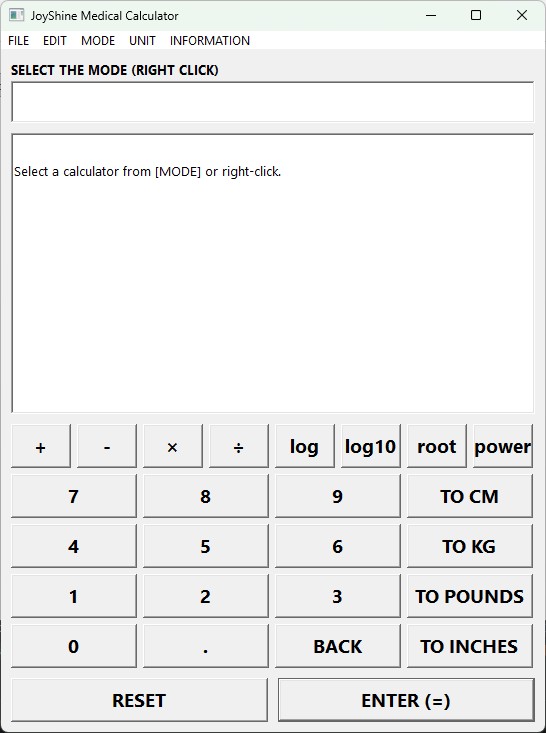
JoyShine Medical Calculator
A handy Windows calculator that combines a standard arithmetic calculator with hundreds of medical calculation modes across 30 specialty categories: anthropometry, cardiovascular risk, emergency triage, critical care / ICU, trauma, toxicology, infectious disease, hepatology, gastroenterology, pulmonary, neurology, rheumatology, hematology & oncology, pharmacokinetics, nursing assessment, drug dosing, comorbidity / prognosis, substance use, anesthesia & pain, obstetrics, rehabilitation / functional status, dermatology, otolaryngology, endocrinology, and more.
Runs as a single-executable on Windows 7 SP1 through Windows 11. No installer, no .NET, no Visual C++ Redistributable required.
Also available as a free
web app — nothing to download, installs to your phone's home screen, and works offline once loaded (all computation runs on your device).
JoyShine File Seeker
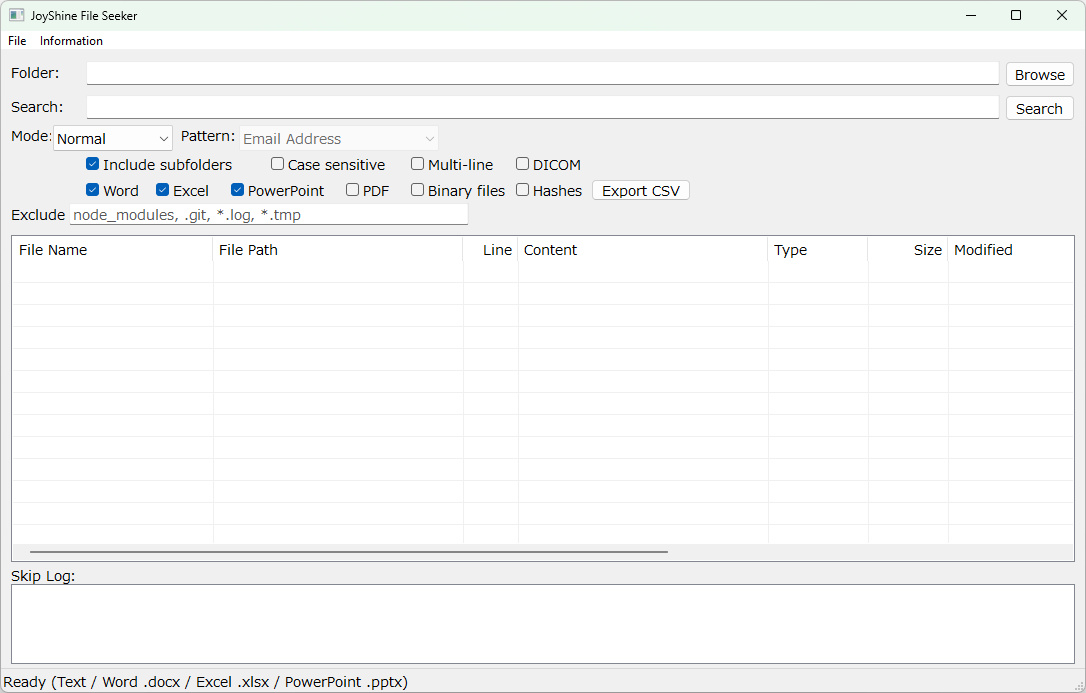
Fast content search across large numbers of files. Performs keyword and regular-expression searches over text files, Office documents (Word/Excel/PowerPoint), PDFs, and DICOM patient metadata, with file-format detection by content (not extension) and optional MD5/SHA-256 forensic hashing.
Runs as a single-executable on Windows 10/11 (64-bit). No installer, no additional runtime required.
JoyShine Notebook (with AES Security)
A powerful, encryption-secured notebook for Windows. The encryption key is derived from your password by Argon2id, and the whole notebook is encrypted as a single AES-256-GCM vault. Because one authentication tag covers the entire file, any tampering is detected the moment you open it. No additional runtime is required - just copy the executable and the program runs on its own.
Runs as a single-executable on Windows 7 SP1 through Windows 11 (x64). No installer, no .NET, no Visual C++ Redistributable required.
JoyShine File Eraser
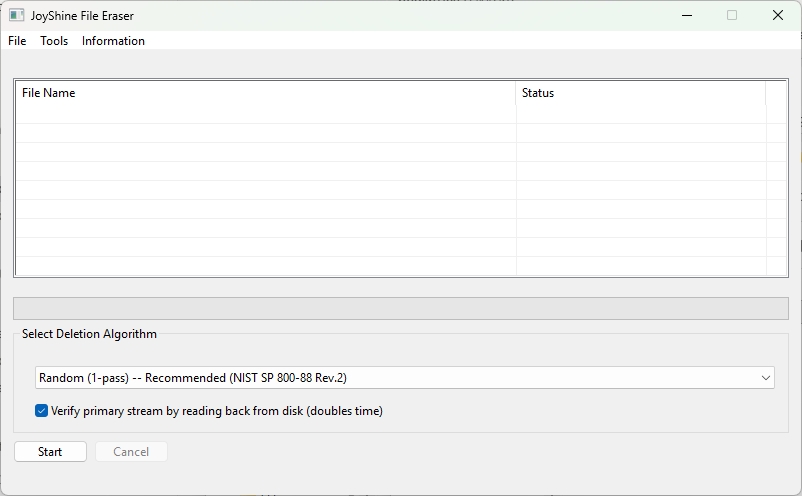
A single-executable overwrite tool for files and folders. Goes beyond standard delete by overwriting the data region first, with 9 selectable algorithms (NIST SP 800-88 Rev.2 random single-pass through Gutmann 35-pass), Wipe Free Space, and SSD detection warning.
Runs as a single-executable on Windows 10/11 (64-bit). No installer, no administrator privileges, no additional DLLs required.
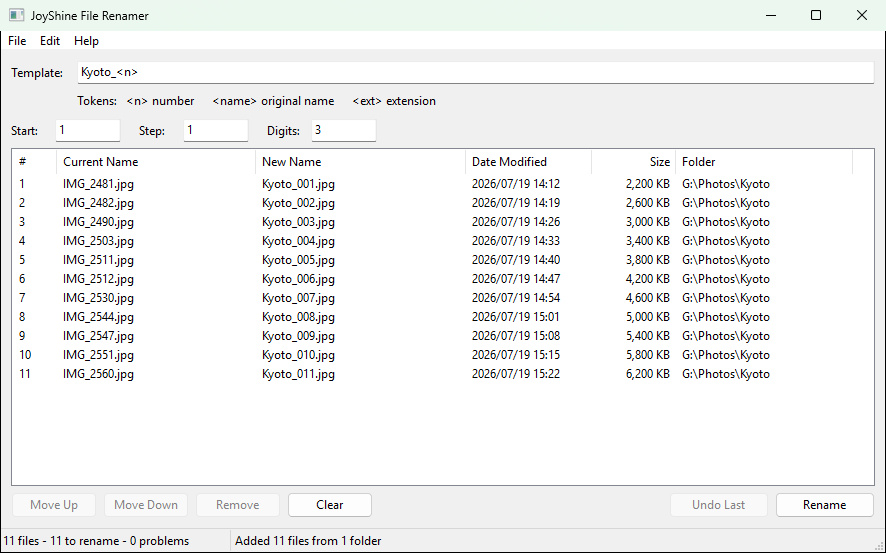
JoyShine File Renamer
Renames files with sequential numbers.
Drop the files onto the list, put them in the order the numbers should follow, type a name template, and the whole batch is renumbered in one pass.
You can check the result in the New Name column before anything happens, and Undo Last restores the previous batch.
Runs as a single-executable on Windows 7 or later (64-bit). No installer, no additional runtime required.
JoyShine WinShot
Saves any open window as an image, picked from a list of what is running.
Anything overlapping the window is left out, so only the window you picked is in the image.
Capture works even when the window is hidden behind others.
Runs as a single-executable on Windows 7 or later (64-bit). No installer, no additional runtime required.
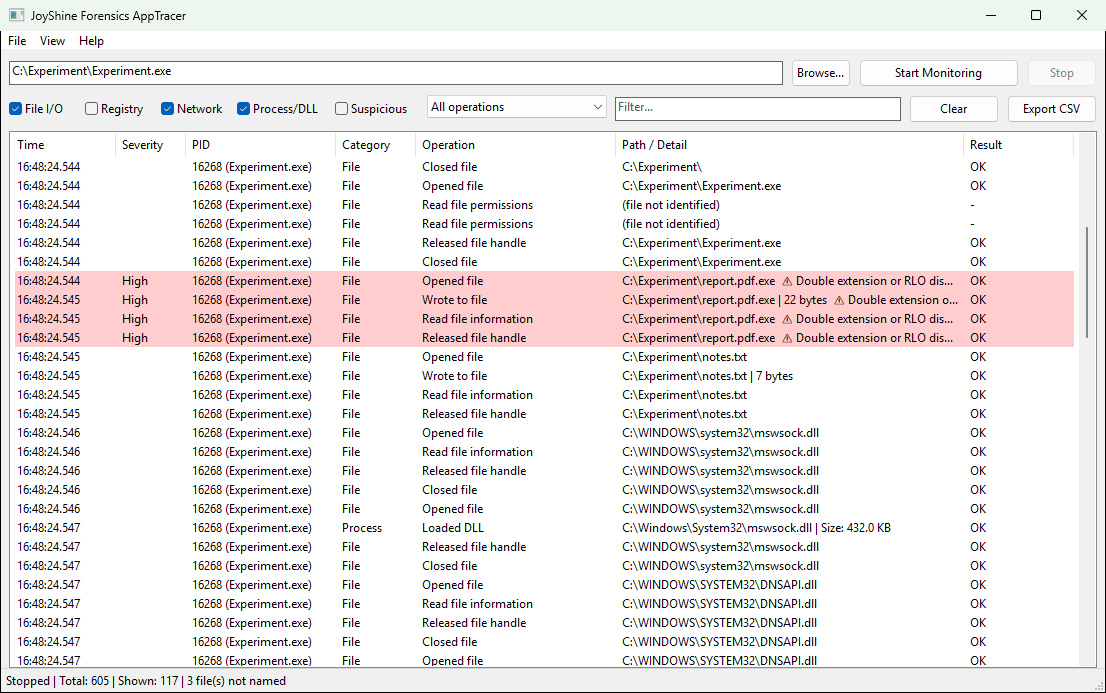
JoyShine Forensics AppTracer
Starts a program and keeps a record of what it does to the machine.
File reads and writes, registry access, network traffic and DNS lookups are listed with the time they happened.
Behaviour common to malicious programs, such as adding itself to startup or dropping an executable in Temp, is marked and coloured.
If the program starts another program, that one is followed too.
Runs as a single-executable on Windows 7 or later (64-bit). No installer, no additional runtime required. It asks for administrator rights on launch.
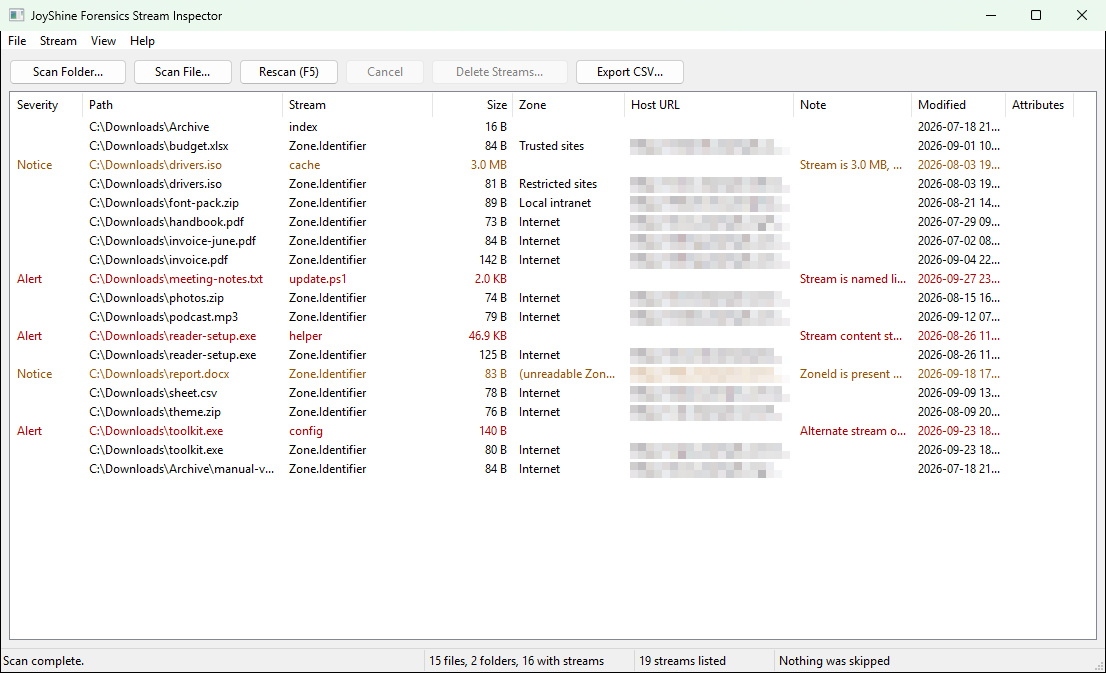
JoyShine Forensics Stream Inspector
Finds the extra contents hidden inside a file, and lists them.
On NTFS, a file can carry named data alongside the contents you can see.
Windows Explorer has no screen that lists alternate data streams.
Runs as a single-executable on Windows 7 or later (64-bit). No installer, no additional runtime required. Tested on NTFS.
JoyShine Forensics Launch History
Shows surviving Windows records related to program starts, and reports what the scan could not examine.
Prefetch is a system-maintained record associated with program starts. It can be disabled, and older records are evicted.
UserAssist is a per-user shell record. Only profiles whose registry hives are available can be examined.
It only reads. There is no feature for deleting records.
Runs as a single-executable on Windows 7 or later (64-bit). No installer, no additional runtime required. The Prefetch records need administrator rights.
SystemMonitor
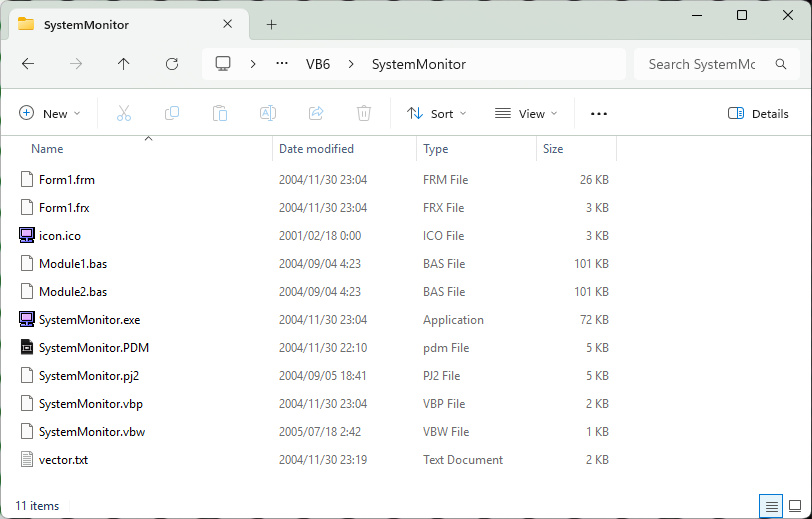
SystemMonitor, first written by the author in VB6 in 2004, ported to C++.
It shows the configuration and status of this PC on one screen.
It lists the OS, processor, BIOS, memory, drives, network and graphics.
Processor and memory usage are shown as live graphs.
Windows 7 or later (64-bit). No additional runtime is required.
Put SystemMonitor.exe in any folder and it runs.
JoyShine Password Generator
A deterministic password generator for Windows. Enter two keywords you can easily remember and the same strong password is reproduced every time, so there is nothing to store or sync. Toggle numbers, uppercase, lowercase and symbols (with an editable symbol set), set the length anywhere from 5 to 128, and read the entropy of each result in bits. Key stretching uses PBKDF2-HMAC-SHA256 with 600,000 iterations and HKDF (RFC 5869), and the clipboard is automatically cleared 30 seconds after copying. Runs as a single native executable on Windows 7 / 8 / 8.1 / 10 / 11 (64-bit). No installer, no .NET runtime, no additional DLLs required.
Convert Characters
Convert characters to Proper case, Upper case, Lower case, Encrypted, Decrypted, Narrow, Wide, MD5, SHA1, SHA256 and SHA512.