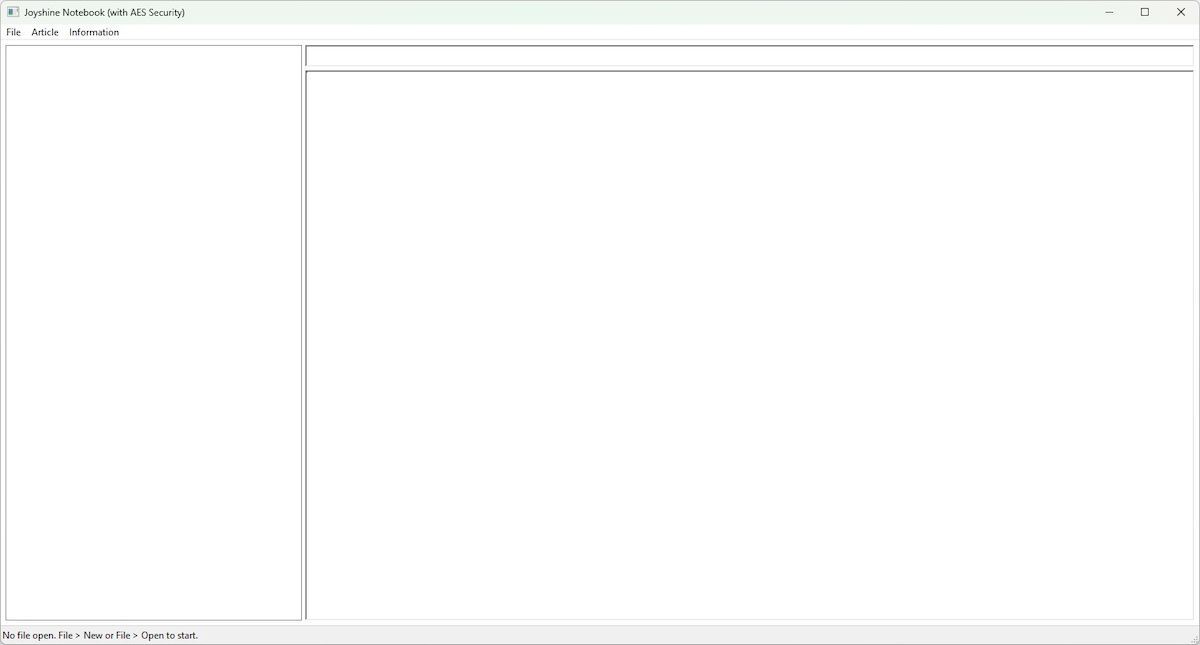
<Overview>
A powerful, encryption-secured notebook for Windows. The encryption key is derived from your password by Argon2id, and the whole notebook is encrypted as a single AES-256-GCM vault. Because one authentication tag covers the entire file, any tampering is detected the moment you open it. No additional runtime is required - just copy the executable and the program runs on its own.
<Features>
• Single-vault encryption - The entire notebook is encrypted as one AES-256-GCM blob. A single authentication tag covers the whole file, so any tampering is detected when you open it.
• Argon2id key derivation - The encryption key is derived from your password by Argon2id, a memory-hard function that makes password guessing expensive.
• Fast password change - Changing the password re-encrypts the whole notebook with a single key derivation, so it stays fast even for large notebooks.
• Automatic format upgrade - Notebooks saved by older versions are upgraded to the current format the first time you save them. No notes are ever lost.
• Self-contained - A single .exe. No installer, no .NET, no Visual C++ redistributable, no runtime DLLs to provide.
<System Requirements>
• Windows 7 SP1 / 8 / 8.1 / 10 / 11 (x64)
• No additional runtime required
<Installation>
Place the following file in any folder. No installer is required.
Joyshine Notebook.exe Main executable
<Download>
▼ Download (374 KB)
The zip contains the executable and the README (English and Japanese).
<Usage>
1. Launch Joyshine Notebook.exe
2. File > New to create a new password-protected .SP notebook, or File > Open to open an existing one
3. Article > New / Save / Delete to manage notes (each note has a subject and contents)
4. Article > Search to find notes by a substring of the subject or contents
5. File > Password... to re-encrypt the whole notebook under a new password
A ".SP.bak" file may appear next to your .SP the first time you save a notebook created by an older version - a one-time safety backup of the original. Ordinary saves do not create .bak files.
<Compatibility>
A notebook saved by an older version is upgraded to the current single-vault format the first time you save it, with nothing for you to do and no notes ever lost.
<Contact / Bug Reports>
https://lee22.net/contact.html